events

DesignPLUS Onboarding Series | Session 2

Ready to get started with DesignPLUS?

In this second session, we’ll learn how to use DesignPLUS to style existing content that was originally created using standard Canvas tools. This will be a common scenario for many faculty who update courses that they previously built. After that, we’ll create an engaging and informative course home page using a template aligned with pedagogical best practices. 


DesignPLUS Onboarding Series | Session 2

Ready to get started with DesignPLUS?

In this second session, we’ll learn how to use DesignPLUS to style existing content that was originally created using standard Canvas tools. This will be a common scenario for many faculty who update courses that they previously built. After that, we’ll create an engaging and informative course home page using a template aligned with pedagogical best practices. 


DesignPLUS Onboarding Series | Session 2

Ready to get started with DesignPLUS?

In this second session, we’ll learn how to use DesignPLUS to style existing content that was originally created using standard Canvas tools. This will be a common scenario for many faculty who update courses that they previously built. After that, we’ll create an engaging and informative course home page using a template aligned with pedagogical best practices. 


Chill Out Week (May 18 — 22)

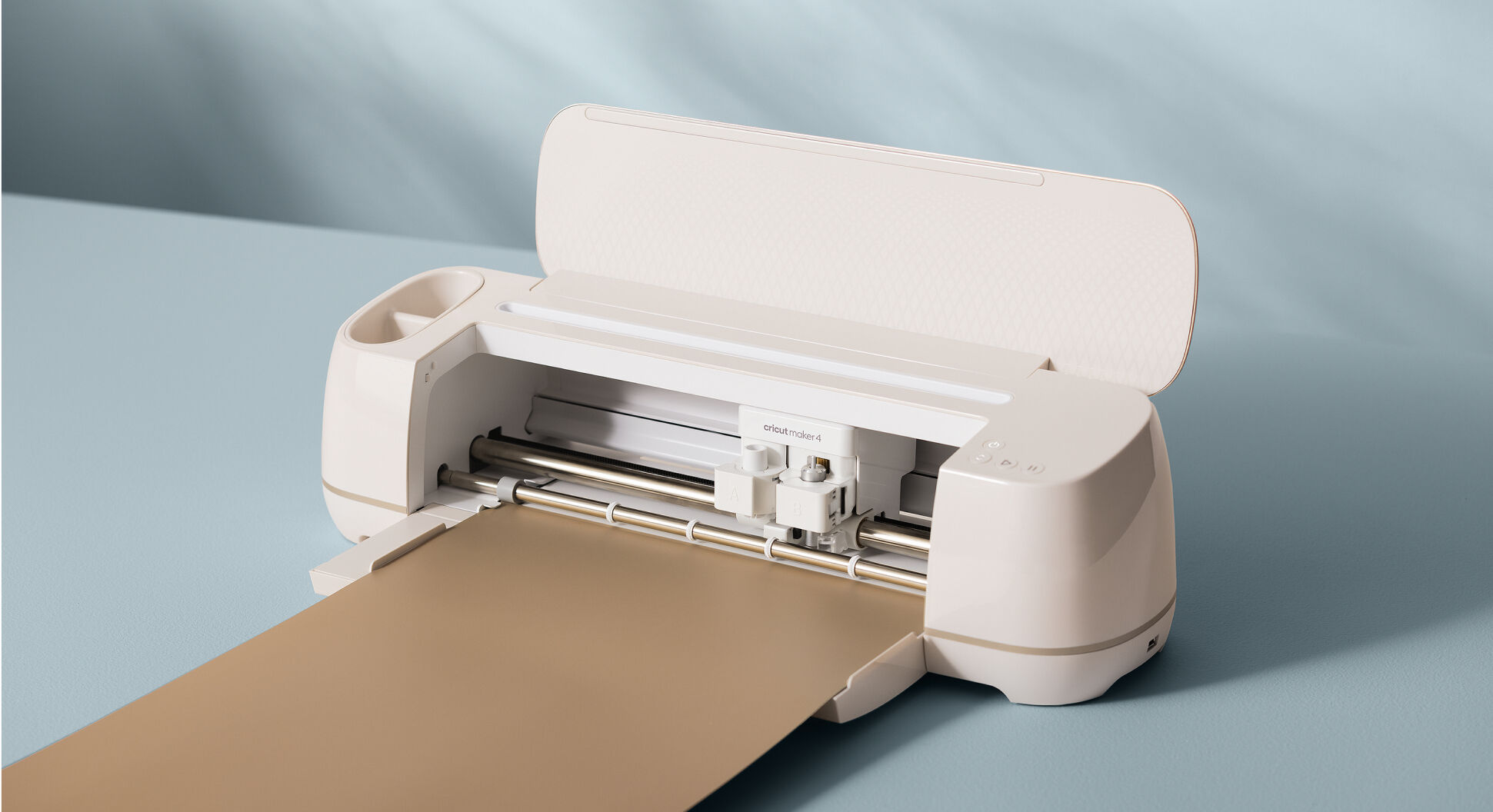
Take a break and unwind! Drop by the MakerSpace for snacks, chill vibes, and creative fun. Create custom wooden keychain using the laser cutter. You can also enjoy virtual reality (VR) and retro games, make your own button, and relax with music, crafts, and puzzles. Whether you’re here to unwind, play, or make something special, this is your space to chill and get relaxed.

Image Creation with Generative AI

Description: This course explores image creation with generative AI. Participants will gain a primer on generative AI tools for image creation, considerations for using generative AI, and best practices for creating effective and accessible images for various use cases. Through hands-on activities, participants will develop skills in crafting descriptive prompts and selecting
appropriate visual styles to generate unique images with ChatGPT, Microsoft Copilot, and Adobe Firefly.

This course is an elective that counts toward receiving a digital badge for the AI Literacy Education Program.

*Disclaimers

  • This course utilizes Adobe tools which are available to all faculty, staff and students.
  • Adobe Firefly and Express are accessed via the web. Participants do NOT need to download Adobe Creative Cloud.

Objectives: In this course, you will learn to:  

  • Understand the basics of generative AI technology for image creation
  • Write descriptive prompts and use visual style options to generate images
  • Employ best practices for creating effective and accessible images

Duration: 60 minutes

Experience Level: Little or no familiarity with generative AI tools for image creation

Image Creation with Generative AI

Description: This course explores image creation with generative AI. Participants will gain a primer on generative AI tools for image creation, considerations for using generative AI, and best practices for creating effective and accessible images for various use cases. Through hands-on activities, participants will develop skills in crafting descriptive prompts and selecting
appropriate visual styles to generate unique images with ChatGPT, Microsoft Copilot, and Adobe Firefly.

This course is an elective that counts toward receiving a digital badge for the AI Literacy Education Program.

*Disclaimers

  • This course utilizes Adobe tools which are available to all faculty, staff and students.
  • Adobe Firefly and Express are accessed via the web. Participants do NOT need to download Adobe Creative Cloud.

Objectives: In this course, you will learn to:  

  • Understand the basics of generative AI technology for image creation
  • Write descriptive prompts and use visual style options to generate images
  • Employ best practices for creating effective and accessible images

Duration: 60 minutes

Experience Level: Little or no familiarity with generative AI tools for image creation